Opening Stock
The Opening Stock Entries module (Stock > Stock Overview > + Opening Stock) allows you to record the initial inventory you possess when you first start using Digital Bahi.
What is this?
Opening Stock establishes the starting physical balance for a commodity. Because these goods were purchased before you started using the software, there are no existing Purchase bills in Digital Bahi to support them. Opening Stock manually creates that starting baseline so you can immediately begin selling.
When should I use it?
You should primarily use this screen during your onboarding or initial business setup. Once you are running daily operations in the software, you should stop using Opening Stock and rely entirely on standard Purchase entries to increase your inventory.
How to add Opening Stock
- Open Stock > Stock Overview from the main menu and click + Opening Stock.
- Click + Add Opening Stock to add a new entry.
- Select the Opening Stock Date.
- Select the Crop / Commodity you hold.
- Enter the Quantity in QTL and the Purchase Rate (per QTL) of the goods.
- Provide any optional Remarks.
- Select Save.
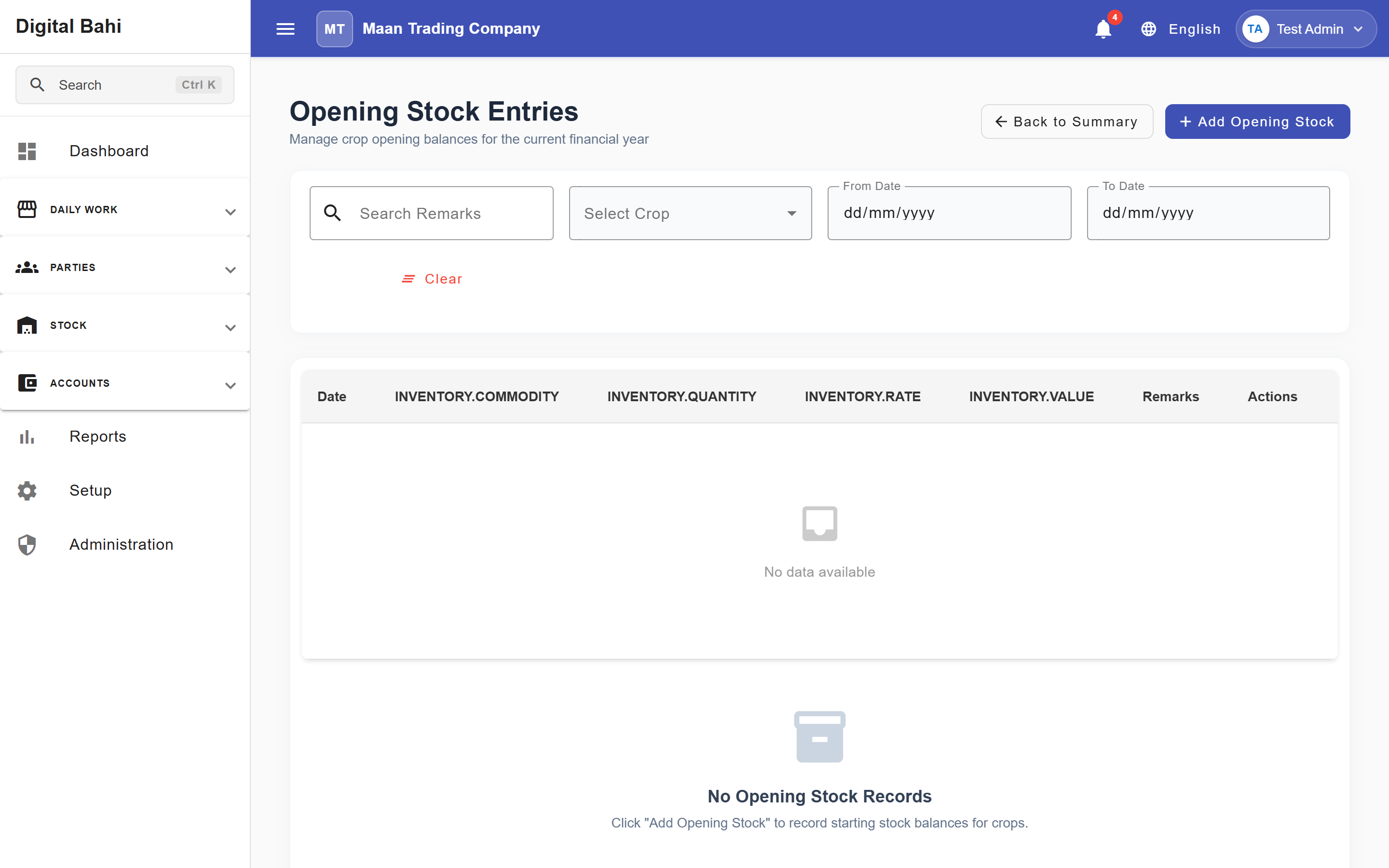
Fields explained
| Field | What it means | What to enter |
|---|---|---|
| Opening Stock Date | When this stock balance is recognized in the software. | Usually the day before your go-live date. |
| Crop / Commodity | The crop being initialized. | Select from your active Commodities master. |
| Quantity in QTL | The physical amount on hand. | The numeric weight in quintals. |
| Purchase Rate (per QTL) | The average per-unit value of the stock. | The numeric rate required to value your starting inventory. |
| Remarks | Optional notes. | Any relevant onboarding references. |
What happens after saving?
When the Opening Stock is saved:
- Stock Effect: The available quantity of the selected commodity immediately increases by the amount entered. This stock is now available on the View Stock dashboard and is eligible to be sold.
- Accounting Effect: Opening Stock updates inventory quantity and value for starting stock. It does not automatically create a financial accounting voucher.
Managing Records
Existing Opening Stock records can be edited or deleted if a mistake was made during setup. Note that when editing an existing record, the Crop / Commodity field is locked to prevent data inconsistency.