Subscription & Billing Overview
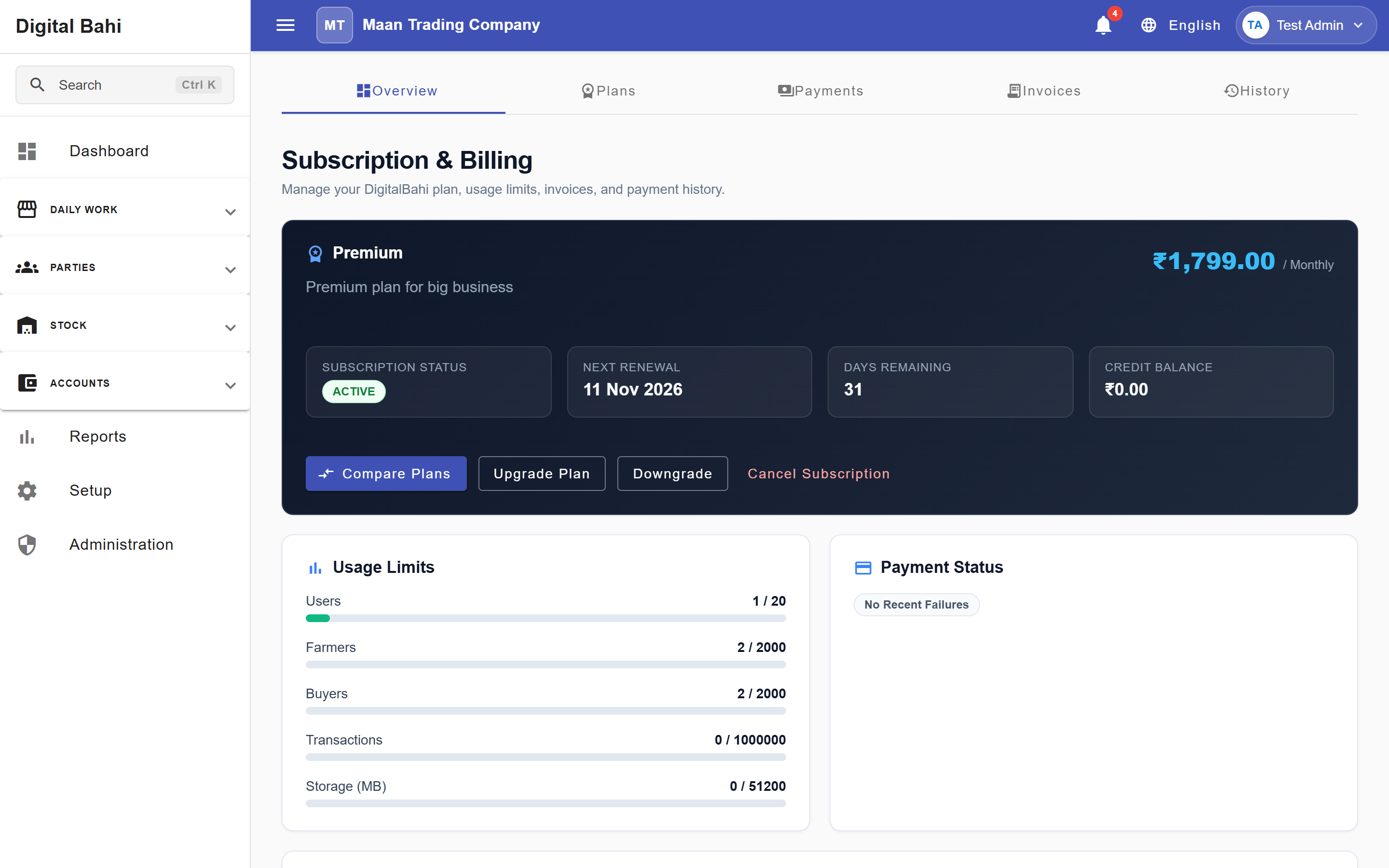
The Subscription & Billing workspace (Administration > Subscription & Billing, /billing/overview) allows business owners and authorized administrators to view the current software plan, track usage limits, compare plans, download SaaS subscription invoices, and review payment history.
Viewing your Subscription Overview
- Open Administration > Subscription & Billing (
/billing/overview). - Review your active plan card showing:
- Plan Name & Price (for example,
Premium — ₹1,799.00 / Monthly) - Subscription Status (
ACTIVE,TRIAL,OVERDUE, etc.) - Next Renewal Date, Days Remaining, and Credit Balance
- Quick action buttons: Compare Plans, Upgrade Plan, Downgrade, and Cancel Subscription.
- Plan Name & Price (for example,
- Below the plan banner, monitor your real-time Usage Limits (Users, Farmers, Buyers, Transactions, and Storage (MB)) and Payment Status.
Comparing & Changing Plans (/billing/plans)
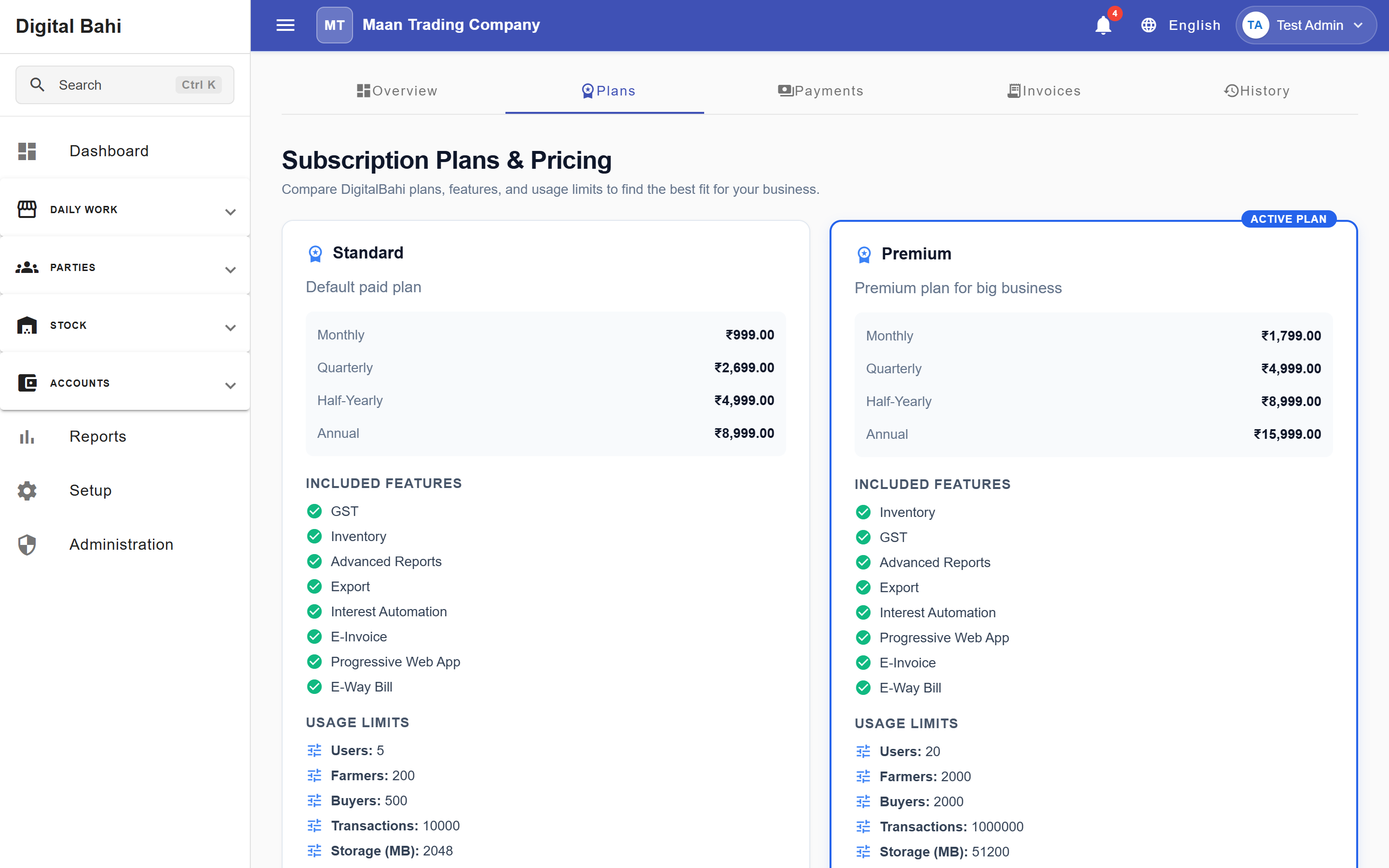
Switch to the Plans tab (/billing/plans) or click Compare Plans to compare Standard and Premium plans across Monthly, Quarterly, Half-Yearly, and Annual billing cycles, including Included Features (GST, Inventory, Advanced Reports, Export, Interest Automation, E-Invoice, Progressive Web App, E-Way Bill) and Usage Limits.
Subscription Statuses
Your subscription displays one of the following statuses:
- Active: Your subscription is paid and active.
- Trial: Your workspace is in a trial period; the dashboard shows the trial expiration date and days remaining.
- Warning / Overdue: Renewal is due soon or a payment is pending.
- Cancelled / Blocked: Your subscription has expired or been cancelled; renew or reactivate to restore full write access.
SaaS Invoices, Payments & History (/billing/invoices, /billing/payments, /billing/history)
Use the top navigation tabs inside Subscription & Billing to inspect:
- Payments (
/billing/payments): All subscription payment transactions and gateway references. - Invoices (
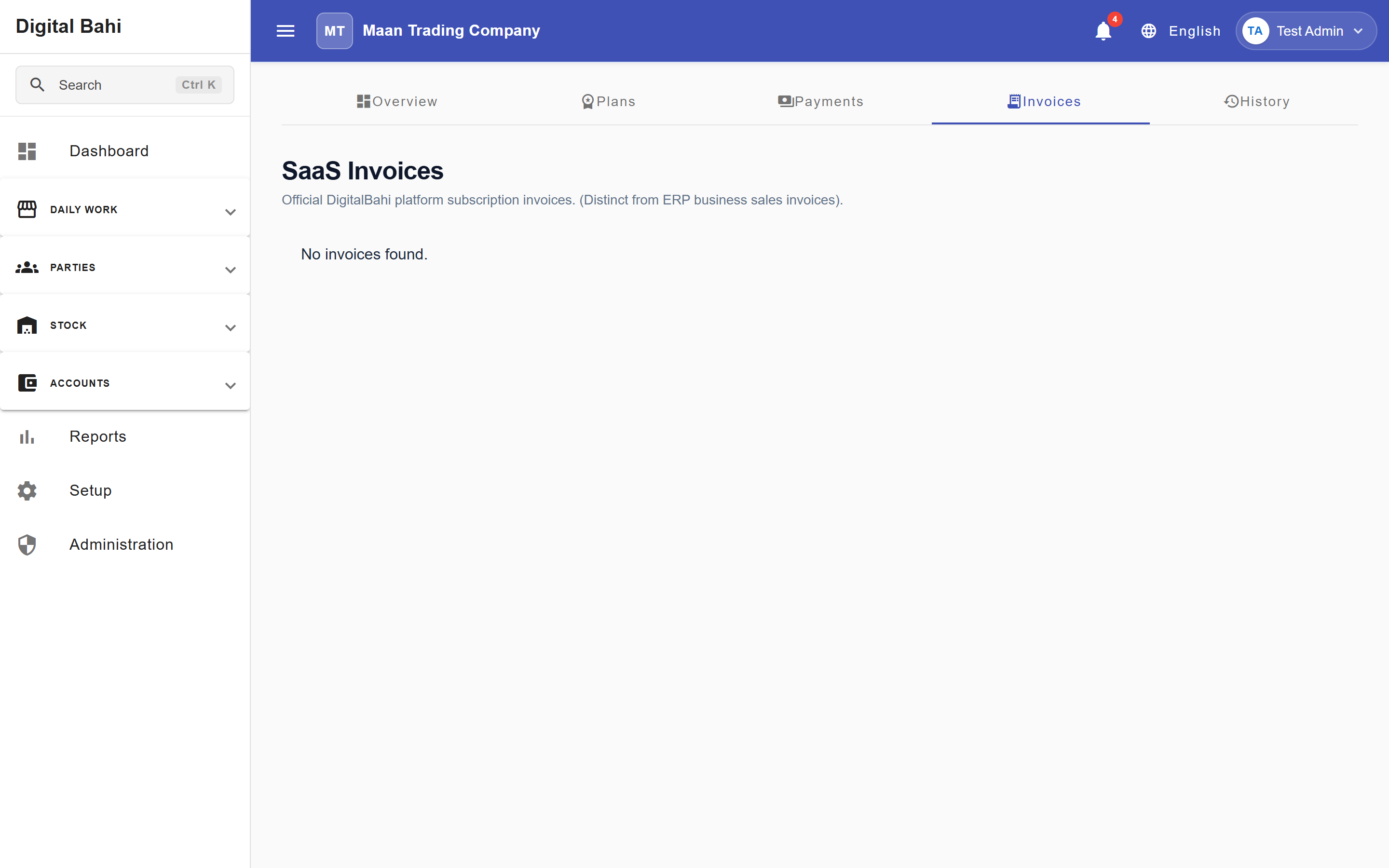
/billing/invoices): Official Digital Bahi platform subscription invoices (distinct from your Mandi business sales invoices). - History (
/billing/history): Chronological log of plan upgrades, renewals, and status changes.